Verifying an OPC UA Connection with Data Explorer
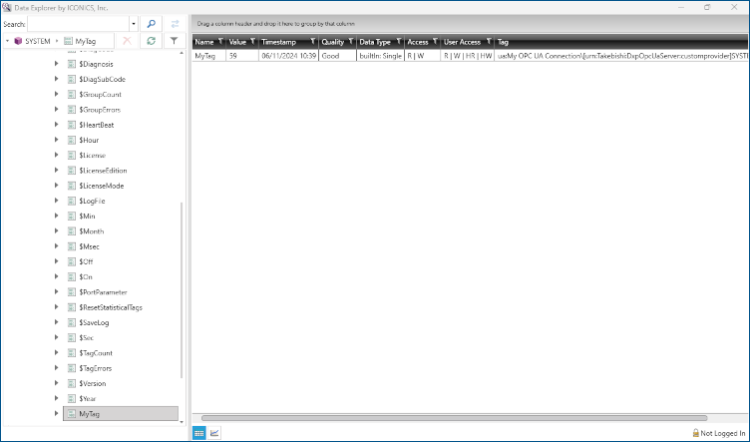
When you establish a new OPC UA connection, you can verify its functionality withData Explorer. Using Data Explorer allows you to view the tag values, which is not possible in Data Browser.
To verify an OPC UA connection with Data Explorer:
-
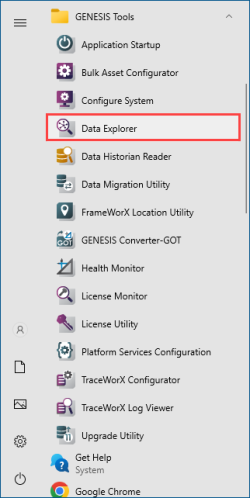
In the Windows search box, enter data explorer and open the Data Explorer application with administrator privileges, or select it from the GENESIS Tools folder in Windows Start.
-
In the left panel, expand Data Connectivity > OPC UA > My OPC UA Connection > SYSTEM > MyTag. This allows you to view the value of the tag.