Using the FROM Keyword
The FROM keyword is generally required in BI Server queries, unless the query is selecting only constants. Tables specified with the FROM keyword can be aliased for self-joining purposes or just to simplify the query. The following example shows how to retrieve columns from a couple of joined tables using aliases.
Example:
SELECT c.CategoryName, p.ProductName
FROM Categories AS c INNER JOIN Products AS p
ON c.CategoryID = p.CategoryID
The argument to the FROM keyword can be either a table, a view, a parameterized view or a subquery. The following example shows how to retrieve data from a parameterized view that returns orders given a customer ID.
Example:
SELECT * FROM OrdersByCustomerID('ALFKI')
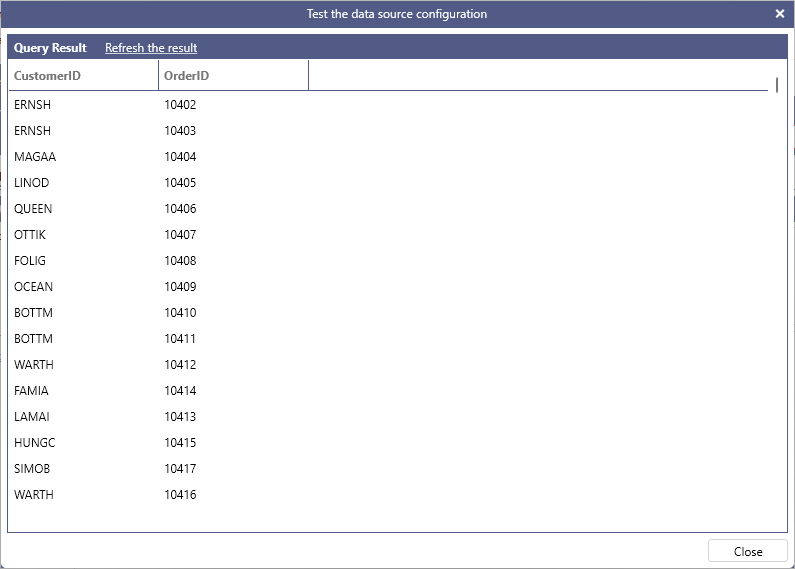
The following example shows how to use a subquery in the FROM clause. Note that the subquery requires an alias using the AS keyword in order to qualify the columns projected by the subquery.
Example:
SELECT t.CustomerID, t.OrderID
FROM
(SELECT c.CustomerID, o.OrderID, o.OrderDate
 FROM Customers AS c INNER JOIN Orders AS o
 ON c.CustomerID = o.CustomerID
 WHERE o.OrderDate > '1/1/1997') AS t
ORDER BY t.OrderDate
BI Server allows omitting the FROM keyword and the table(s) involved in the query are automatically determined from the list of requested attributes. When omitting the FROM keyword it is required that all attributes used in the query are fully qualified with their table name, as shown in the following example.
Example:
SELECT Categories.CategoryID, Categories.CategoryName