Using Hierarchical Columns
Columns of type DateTime are automatically represented as hierarchical columns by BI Server. The level names in a DateTime hierarchy are as follows:
-
Year
-
Month
-
Day
-
Hour
-
Minute
-
Second
Hierarchical columns allow access to the levels of the hierarchy as individual columns by specifying the level name after the name of the hierarchical column name. The following query retrieves the year, month, and day parts of the OrderDate column.
Example:
When referencing a hierarchy level, the column must always be fully qualified with the table name; the column name is followed by a period and then the level name, and they both have to be enclosed in square brackets. It is recommended that hierarchical access, although supported at all compatibility levels, is used for backwards-compatibility only. In the current version of the BI Server the preferred way of retrieving individual levels of a DateTime hierarchy is to use either the DATEPART function or the individual functions to extract parts of a date and time (such as YEAR, MONTH, DAY, etc.)
The following query retrieves the same information as the previous query using the DATEPART function.
Example:
Alternatively, the individual functions can be used to obtain the same result.
Example:
For more information about the individual functions, please refer to the Date and Time functions.
In addition to DateTime columns, there are two other hierarchical columns available in BI Server data models:
-
AssetPath, produced by the Dimensions > Assets data flow step
-
PointName, produced by the Dimensions > Historical Tags data flow step
The hierarchy levels in these columns are dynamic and depend on the structure of the data imported from Assets or the Data Historian. As an example, consider the following data table that we have named Assets, connected to a data flow that ingests all assets under the default Company in Assets using a Dimensions > Assets step. The current version of BI Server, unlike previous versions, also exposes the level columns as individual columns in the table (Level 0, Level 1, etc.), and that is the preferred way of accessing those columns.
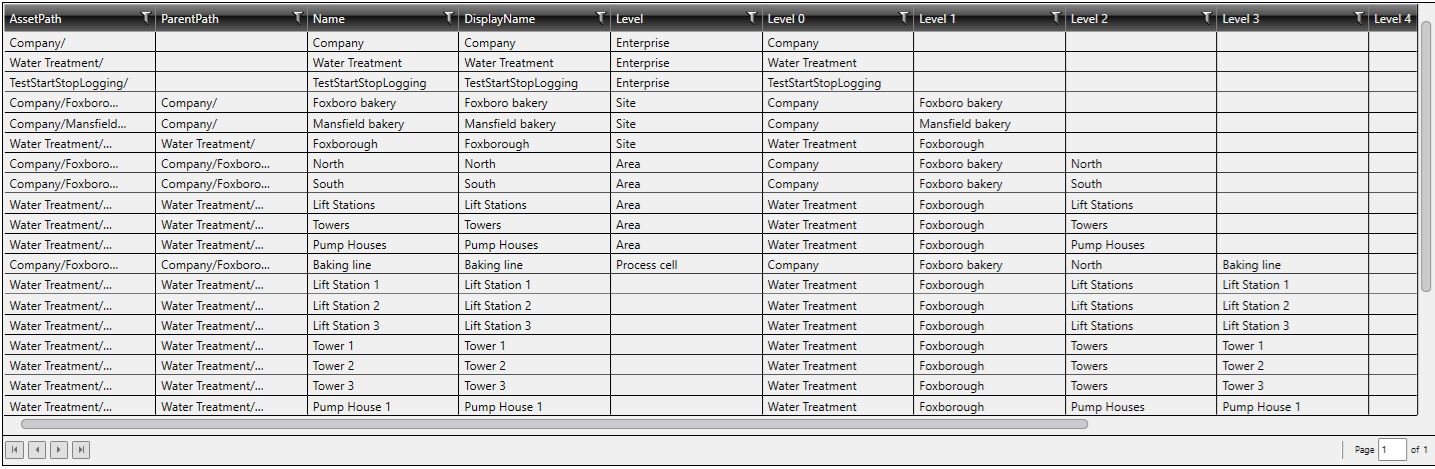
The following query can display the asset levels in a more meaningful way:
Example:
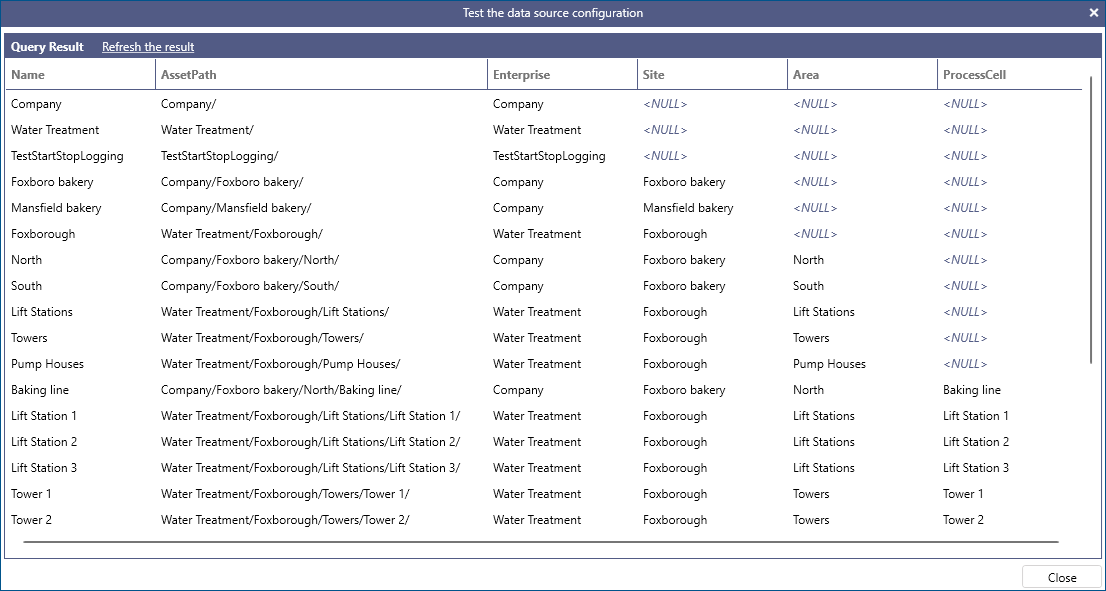
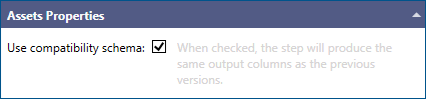
BI Server supports a compatibility option in the related Data Flow configuration, where the legacy asset levels like Enterprise, Site, etc. are auto-generated from the AssetPath in a hierarchical approach.
As in the case with the DateTime dimension, hierarchical access should only be used for backwards-compatibility. The
current version of BI Server, if this option is enabled it will expose the level columns as individual columns in the table like Enterprise, Site etc.
The following query retrieves the levels from the AssetPath using hierarchical access.
Example:
The following query retrieves the same data as the previous query by referencing the level columns directly without the need for hierarchical access.
Example:
Both queries will produce a similar result as in the above screenshot.