Enabling Dataset for an Equipment Property
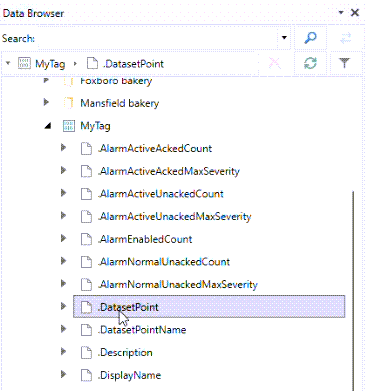
In addition to a single real-time data source, you can link an equipment or equipment class property to an existing dataset, commonly in BI Server. Once connected, the dataset becomes accessible under the equipment property as a browsable data point.
To set up a dataset source:
-
Open Workbench and in Project Explorer, expand your project > Assets > Equipment classes, navigate to the desired equipment class, and double-click the desired equipment property to open its configuration.
-
On the Dataset tab, select Enable Dataset. This activates the remaining settings.
-
Optionally, click
 to set up an alias. In Parameter, enter a value from the Allowed parameter values list, and then click OK.
 -
In Dataset source, enter the desired dataset data point or click
 to select it in the Data Browser. When finished, click Apply.