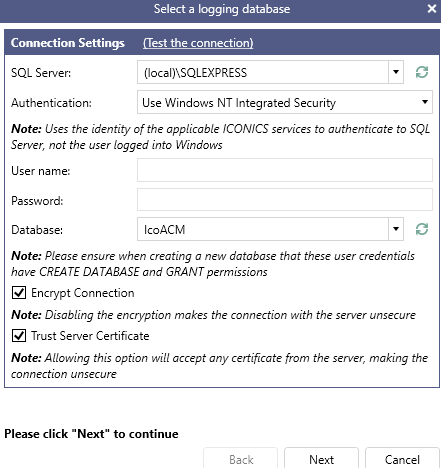
Enable Assets Cache Data Store
The Asset Data Cache is a standard feature in GENESIS that allows for greater flexibility of use to the Asset Catalog by allowing the service to automatically cache the most recent data sample values. Using the cache is helpful to the operation of the ACM Assets once imported.
Configure Asset Data Cache
-
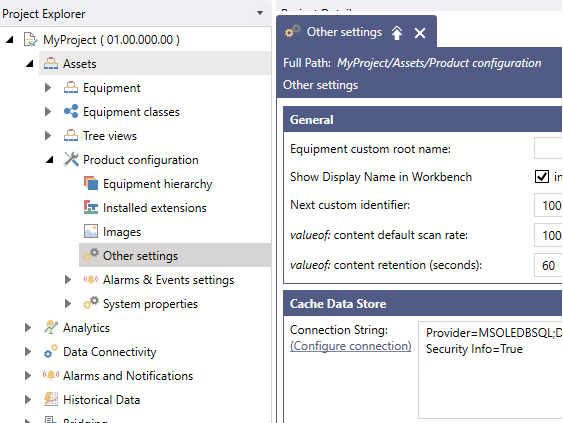
Open Workbench and browse to Assets > Product configuration > Other settings.
-
In the Cache Data Store section, use the Configure connection link to either create or connect to an existing database that will be used as the Cache Data Store.