3D Symbols
One way to learn about GraphWorX64 3D images is to start
by using a 3D image from the GraphWorX64 Symbols Library. The Symbols
Library contains sub-folders of  2D
and 3D objects that represent the images used in industry
and other environments. Some symbols, such as robots, have animated features
programmed into them which you can use or change; others, such as pipe
segments, have no animation.
2D
and 3D objects that represent the images used in industry
and other environments. Some symbols, such as robots, have animated features
programmed into them which you can use or change; others, such as pipe
segments, have no animation.
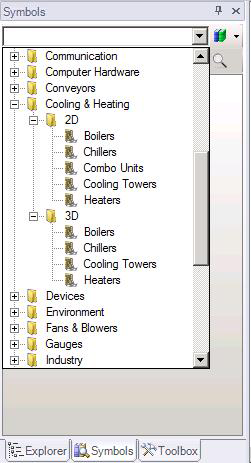
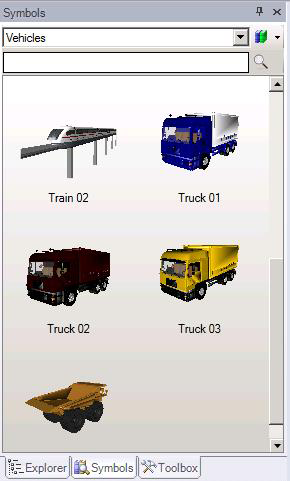
To use a symbol, simply drag-and-drop one of these symbols
into your work area from the Symbols
list. Symbols are pre-grouped, but you can ungroup
them if you wish, and modify them. Although they are scripted, you can
change the scripting if you like.
The 3D viewport has selection modes that can let you select an entire object or a facet of an object, for a more refined (although advanced) means for manipulating smart symbols and other objects. For more information, refer to Selection Mode Section of the 3D Home Ribbon.
See also:
Introduction to GraphWorX64 3D
Updating Shared Objects in Groups or Symbols