Calendars
Calendars represent the view of a schedule over time. You can alter the schedule you see on your screen by moving between the different tabs of the Schedule properties (See Creating a Schedule).
-
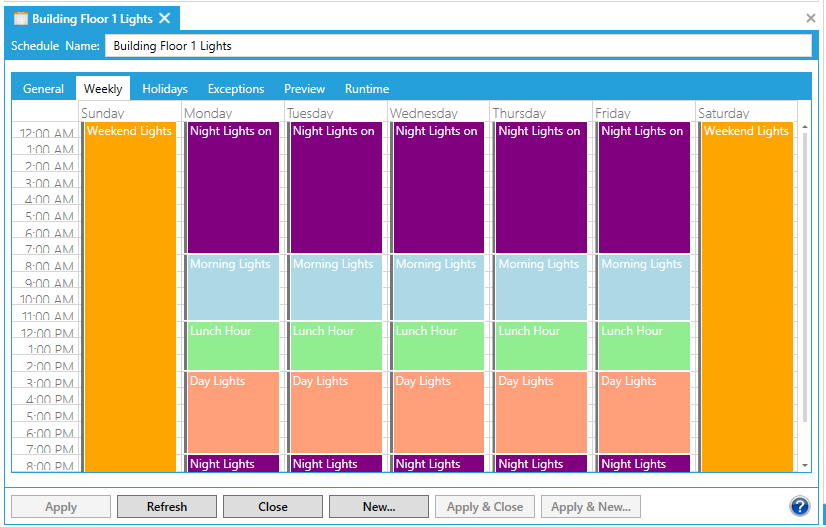
The Weekly tab shows weekly recurring events. You can set the number of days in the work week, and which days are part of the work week (or schedule). Only weekly recurring events show on this tab. You can print this calendar showing your regularly scheduled events.
Weekly Calendar in Schedule Properties
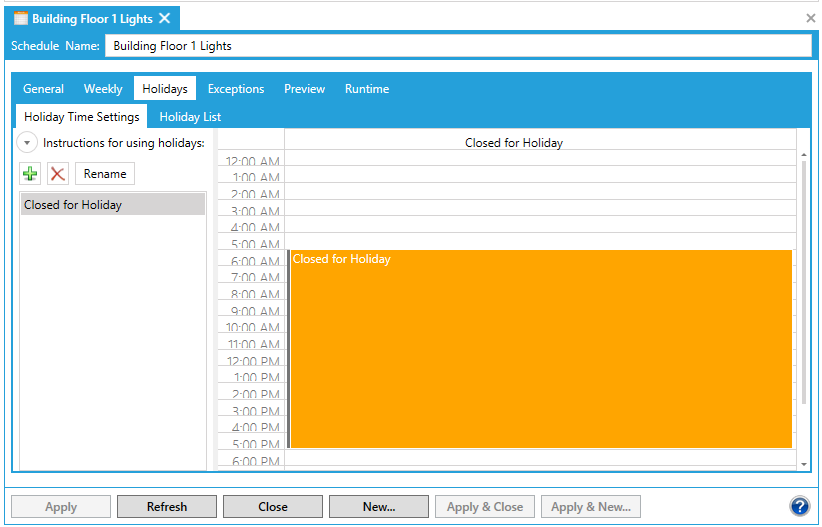
- The Holidays tab does not display a calendar.
Holidays Tab in Schedule Properties
- The Exceptions tab shows a calendar with only exception events displayed. You can set the number of days displayed in the calendar to Day View, Week View, Month View, or Timeline View. In the Week View, you can display or hide weekends. The Timeline view lets you select any seven day period. You can print the Exception calendar and it will print your current calendar view but will only display exception events in the printout.
Exceptions Tab in Schedule Properties

-
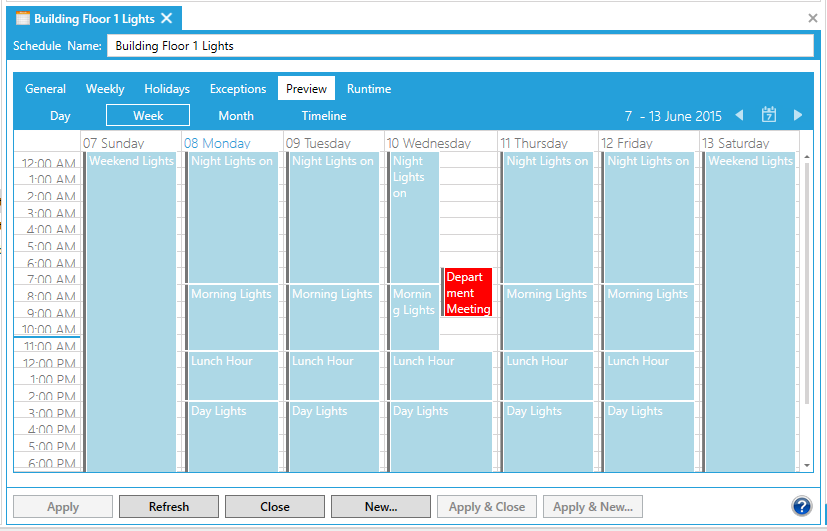
The Preview tab shows all defined events in a read-only display. You cannot create events on this tab, but you have the greatest flexibility in how you set up the calendar on this view. You can set daily, weekly, monthly, or timeline views on this tab. You can also print this calendar to see all defined events of all types.
Preview Tab in Schedule Properties
See also: