Creating a New Data Item Folder in SNMP Connector
You can add a folder to a device that appears in the tree control in the Project Explorer in the SNMP Connector in the GENESIS64 Workbench.
To Add a Folder:
-
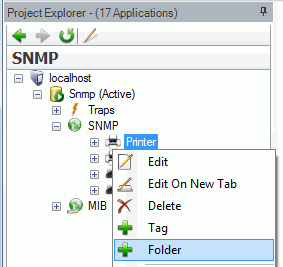
Right-click on a device, then click on Folder.
Adding a Folder
- OR -
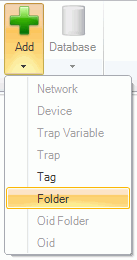
Select a device in the Project Explorer, then click the Add button in the Edit section of the Home ribbon, then click Folder.

Adding a Folder
-
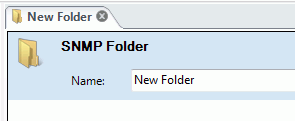
Creating a new folder or clicking on an existing folder causes the following screen to appear. This box only allows you to name (or rename) the connected folder.
Folder Properties in SNMP Connector
See also: