Configure Data Sources
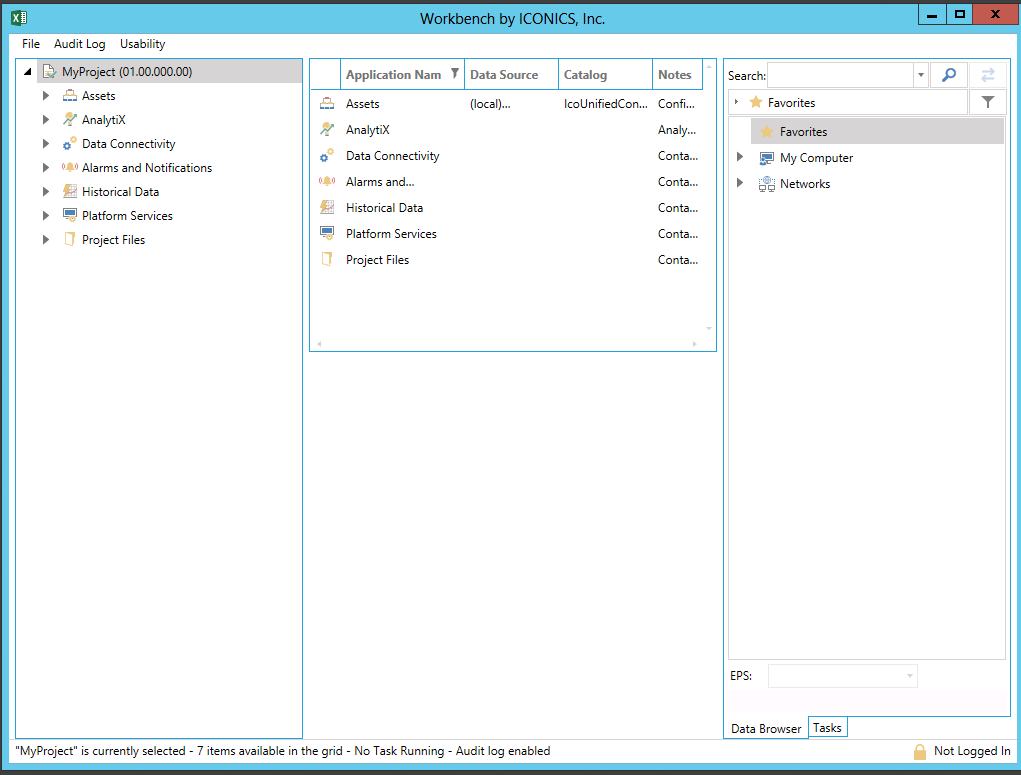
Clicking the Configure Data Sources button, shown below, in the Configuration section of the ReportWorX 64 ribbon in Excel, opens a lightweight version of the Workbench that allows you to configure the data sources.
Configure Data Sources Button

Lightweight Version of the Workbench
If you are upgrading a configuration from a previous version, you will either need to configure SQL Server with a certificate from a trusted certificate authority or you will need to update the connection strings.
See Also: