View Certificates
The View Certificates button, shown below, in the Certificates section of the Home ribbon in the Workbench, allows users to view available certificates involved in the verification and validity authentication of parties involved in electronic transactions.
View Certificates Button

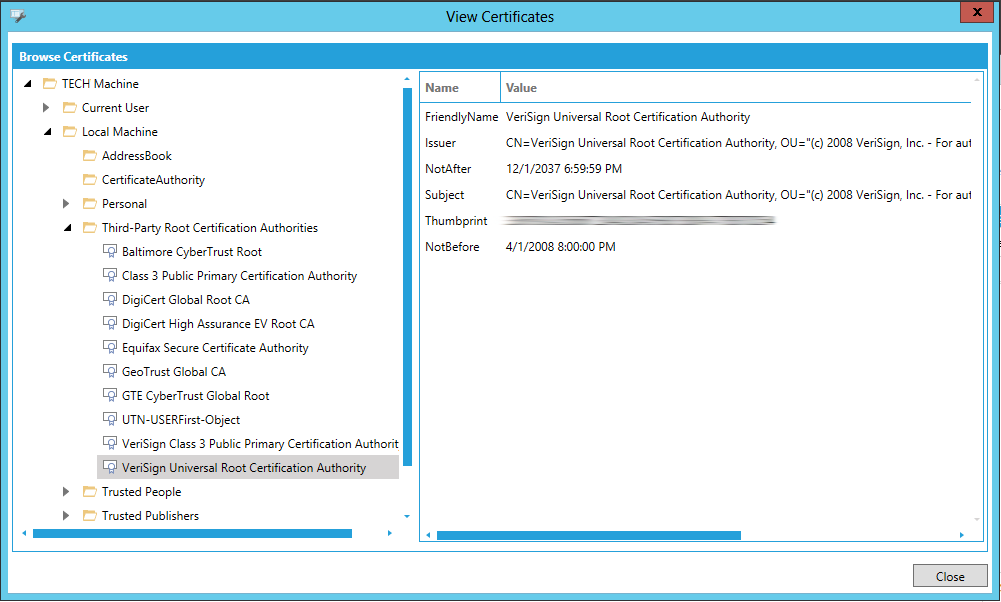
Clicking this button opens the View Certificates window, shown below. In the left-side Browse Certificates section of the window, select a certificate. Selecting a certificate provides its related information in the right side of the window (e.g. Friendly Name, Issuer, NotAfter, Subject, Thumbprint, NotBefore, etc.).
See Also: